微信小程序-点击复制功能

wxml:
<view class="page">
  <view class="template flex-col" wx:for="{{templateList}}" wx:key="{{templateList}}" wx:for-index='idx'>
    <view class="title">{{item.Title}}</view>
    <view class="content">{{item.TemplateText}}</view>
    <view class="copy flex-center" bindtap='copyBtn' data-idx='{{idx}}'>复制</view>
  </view>
</view>
js:
//点击一键复制
copyBtn: function (e) {
    var that = this;
    //当前索引
    var currentidx = e.currentTarget.dataset.idx;
    console.log(currentidx);

    wx.setClipboardData({
      //准备复制的数据内容
      data: that.data.templateList[currentidx].TemplateText,
      success: function (res) {
        wx.showToast({
          title: '复制成功',
        });
      }
    });
},
备注:
如果想长按复制,那就在 text 中设置 selectable="true
<view class="content">
  <text selectable='true' bindlongtap='copyBtn'>
    {{item.TemplateText}}
  </text>
</view>
版权声明:
作者:admin
链接:http://blog.mryxh.cn/1446.html
文章版权归作者所有,未经允许请勿转载。
THE END

如何申请和接入微信客服
小程序上默认支持
公众号上需要单独去企业微信申请
在公众号中接入
1.登录企业微信管理后台,https://work.weixin.qq.com/
进入「应用管理-应用-微信客服」,……
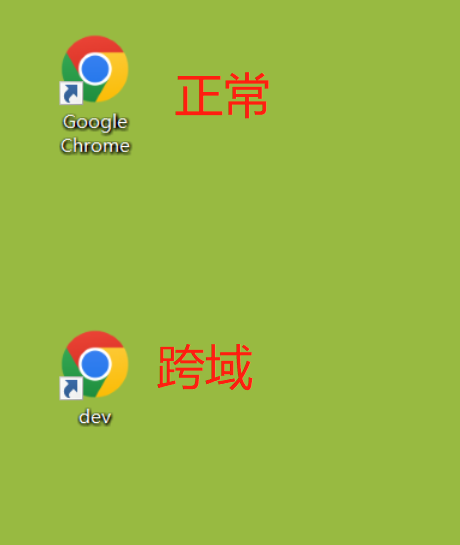
Chrome浏览器的跨域设置----包含新老版本两种设置(亲测可行)
注意:此方案仅适用于windows系统哦!!!--亲测可行
本方案使用于本地浏览器调试,能解决uniapp运行到浏览器引起的跨域问题
这是一篇姗姗来迟的文章,一直在……

uniapp-base64编码解码
对json串(或者普通字符串)进行base64编码
let params={ //我是待进行base64编码的json串
address:'903',
city:'苏州'
}
let parameter = new Bu……
uni-app打开外部链接方式汇总(h5&app)--uniapp在app内打开美团领券链接
本文主要针对app端的方法进行汇总,不涉及到小程序端。
方案1
使用uni-app的扩展组件 uni-link,或者使用plus.runtime.openUR,参考文档uni-app官网
该组件的……